




- Joined
- Feb 6, 2008
- Sythe Gold
- 0
- Messages
- 2,490
Hello sythe this is AntMan, and i will be showing you how to link your gamertag from Xbox LIVE, to your online computer.
First off, you need a Xbox LIVE account.
Second off, you need to know the Windows Live ID.
Third off you need online access, which you should already have.
Now, First go to www.xbox.com
Then go to the following spot.

Now click Sign In, and you should be here.
 Now sign into your Windows Live, using the 1 connected to your Xbox LIVE account.
Now, you should have a page like this.
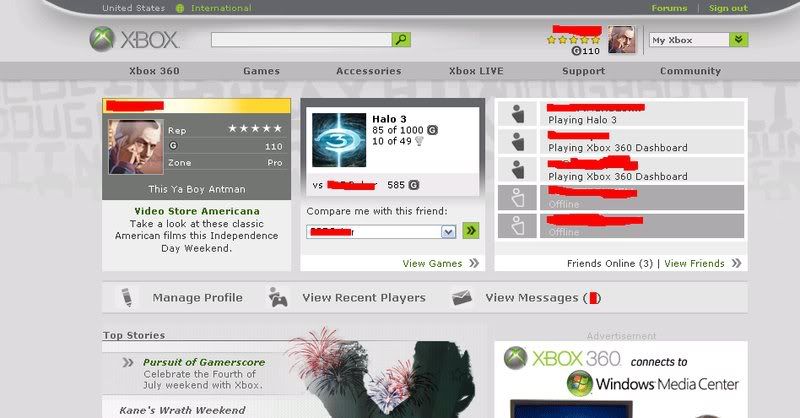 Congratulations! Now you can Send Messages, Read Messages, Add Friends, Add membership, Add microsoft points, Edit you motto,bio,and even change your Xbox LIVE Gamertag*!
Thanks!, Antman
* IF you have 800 MicroSoft points
Any Problems of questions contact me here on sythe.
First off, you need a Xbox LIVE account.
Second off, you need to know the Windows Live ID.
Third off you need online access, which you should already have.
Now, First go to www.xbox.com
Then go to the following spot.
Now click Sign In, and you should be here.
Now, you should have a page like this.
Thanks!, Antman
* IF you have 800 MicroSoft points
Any Problems of questions contact me here on sythe.


