


OSRSwitcher
Newcomer
- Joined
- Jan 27, 2020
- Sythe Gold
- 9
- Messages
- 12
- Age
- 30
The New, Recently Released Old School RuneScape Auto Switcher!
https://www.OSRSwitcher.com/
What is OSRSwitcher?
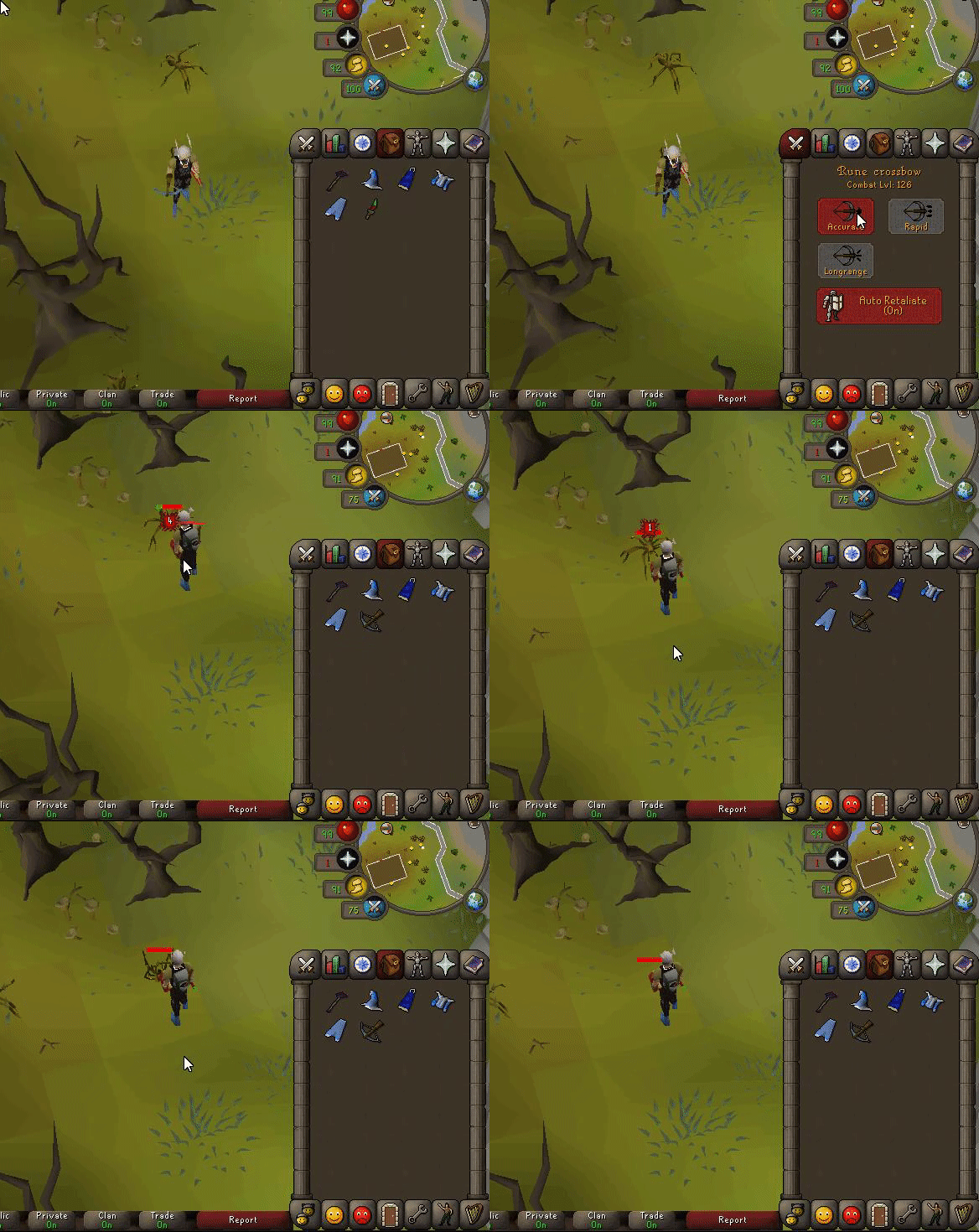
OSRSwitcher is an application that can be used to click items, prayers, magic spells and special attack extremely fast. It's very useful for PvP and PvM where you're required to switch gear and prayers. (Currently only for Windows)
OSRSwitcher in action:
Switch items:

Keep track of items in your inventory:

Use specific actions such as "Special Attack" and "Click at last mouse position":
Setting up switches:


Can I get banned for using OSRSwitcher?
Theoretically, yes. But in reality there hasn't been a single report of a ban of users using OSRSwitcher. OSRSwitcher uses custom made randomized anti-ban patterns which makes detection extremely difficult. Nevertheless always use OSRSwitcher at your own risk.
Is OSRSwitcher free?
OSRS can be used for free, but is restricted to 1 profile and 1 switch. For unlimited profiles and switches you have to purchase premium.
OSRSwitcher is continiously being improved to make switches even faster, better, and safer
https://www.OSRSwitcher.com/
How does it work:
1. Register your account on: https://www.OSRSwitcher.com/
2. Create your presets on the website.
3. Download the application on the downloads page once logged in.
4. Extract the application to anywhere you want on your PC.
5. Start OSRSwitcher_vx.x.exe, log in, and enjoy
https://www.OSRSwitcher.com/
What is OSRSwitcher?
OSRSwitcher is an application that can be used to click items, prayers, magic spells and special attack extremely fast. It's very useful for PvP and PvM where you're required to switch gear and prayers. (Currently only for Windows)
OSRSwitcher in action:
Switch items:
Keep track of items in your inventory:
Use specific actions such as "Special Attack" and "Click at last mouse position":
Setting up switches:
Can I get banned for using OSRSwitcher?
Theoretically, yes. But in reality there hasn't been a single report of a ban of users using OSRSwitcher. OSRSwitcher uses custom made randomized anti-ban patterns which makes detection extremely difficult. Nevertheless always use OSRSwitcher at your own risk.
Is OSRSwitcher free?
OSRS can be used for free, but is restricted to 1 profile and 1 switch. For unlimited profiles and switches you have to purchase premium.
OSRSwitcher is continiously being improved to make switches even faster, better, and safer
https://www.OSRSwitcher.com/
How does it work:
1. Register your account on: https://www.OSRSwitcher.com/
2. Create your presets on the website.
3. Download the application on the downloads page once logged in.
4. Extract the application to anywhere you want on your PC.
5. Start OSRSwitcher_vx.x.exe, log in, and enjoy


