




- Joined
- Apr 10, 2013
- Sythe Gold
- 0
- Messages
- 1,368
IRL Seller's FREE Xbox Live Tutorial:
IMPORTANT:
The email with the code WILL go to the junk mail
You must clear your cache/open a new incognito window to do this multiple times
The codes DO NOT stack
The codes can only be applied to SILVER accounts
Step 1
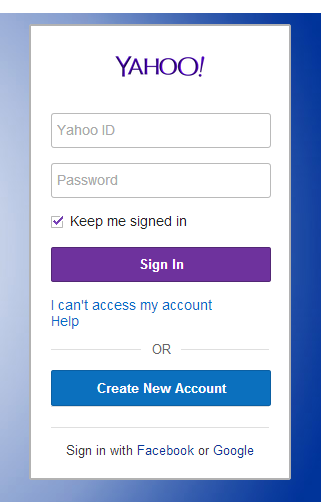
Create a free Yahoo Mail Account
Step 2
Click this button in the top right corner of Yahoo Mail

Step 3
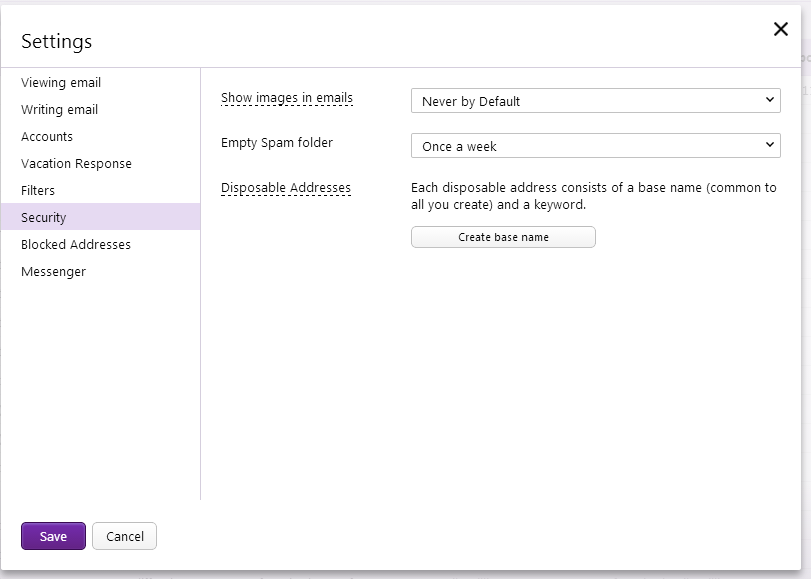
Click Settings and then "Security"
Step 4
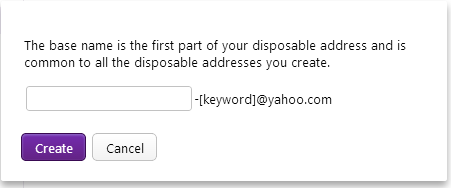
Click Create Base Name and try some of the options until you find one that works.
Step 5
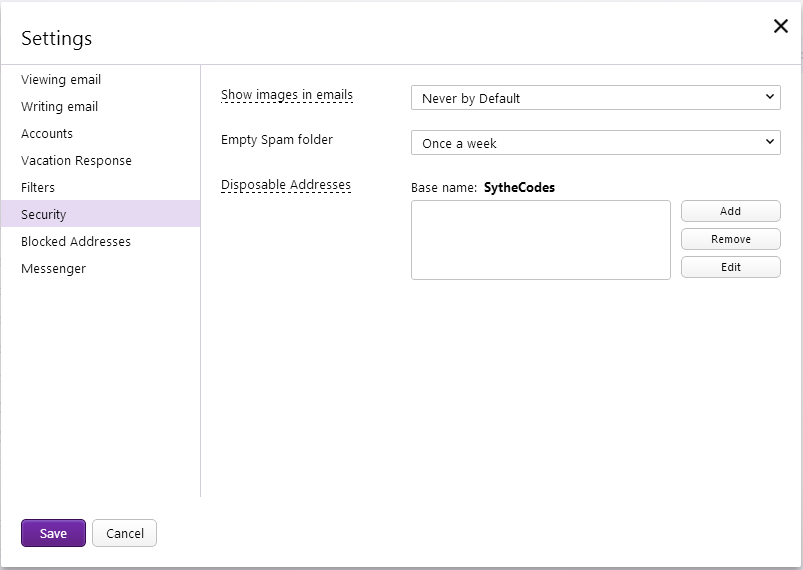
Once you find one that works, click "add"
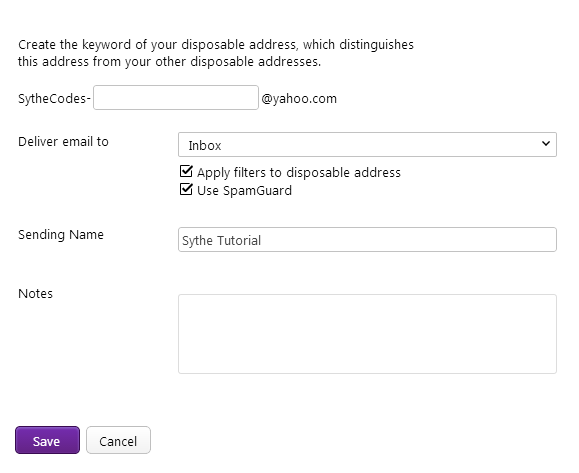
Step 6
Fill in the fields and click "save"
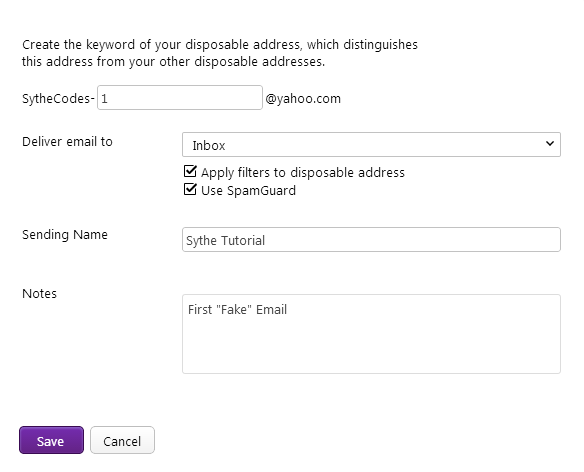
Step 7
Create a bunch of these accounts
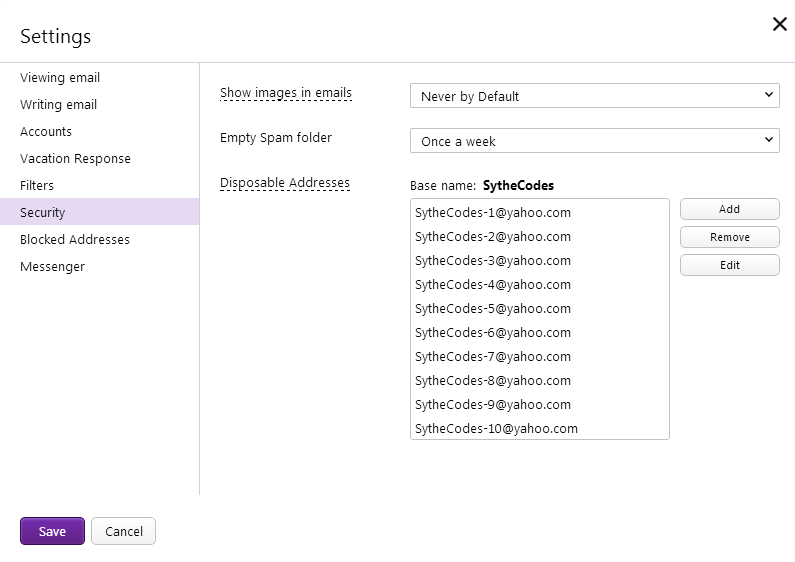
Step 8
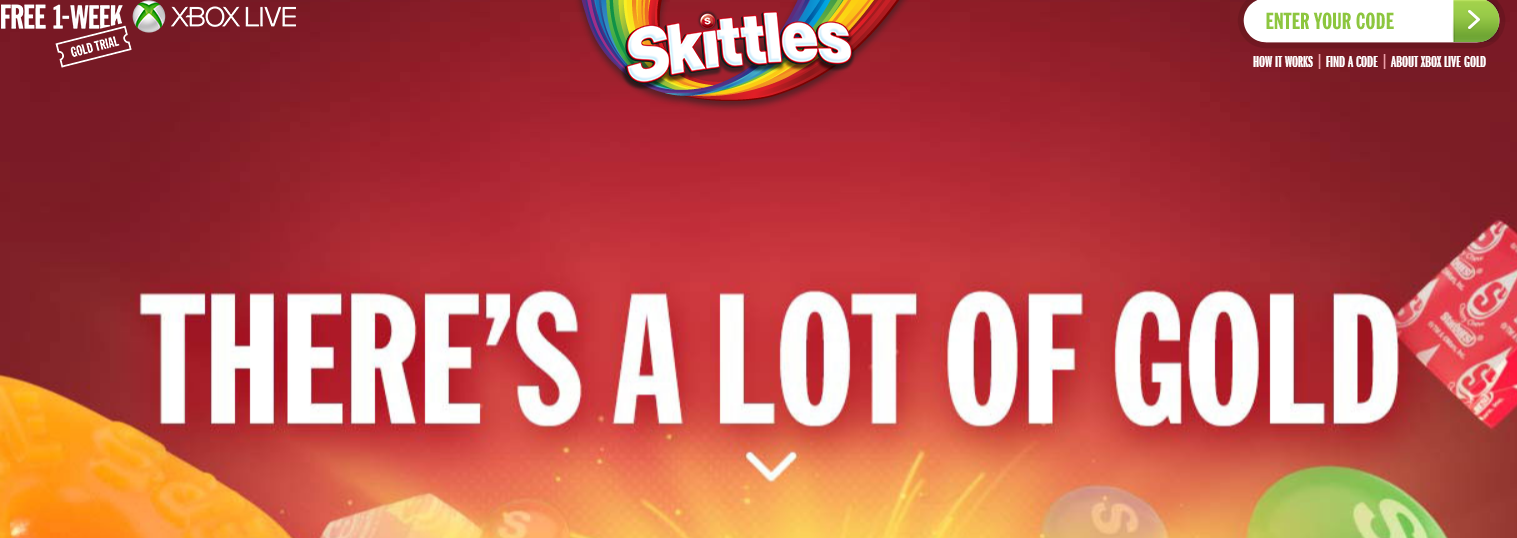
Now, visit This Website
Step 9
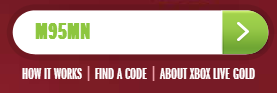
Enter the Code M95MN in the top right corner
Step 10
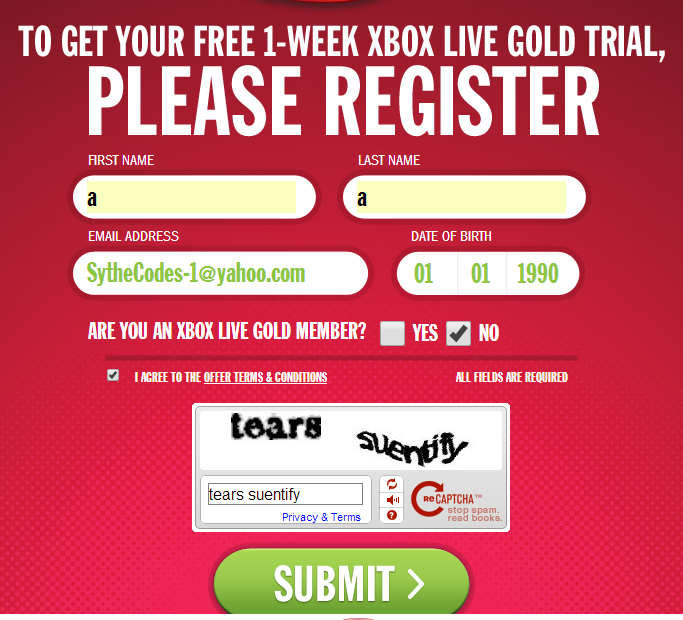
Fill in the fields.
IMPORTANT: Make sure you put you are OVER 18 years old, you are NOT an XBL Member, and you AGREE to terms and conditions. Fill out the Captcha and click "Submit"
Step 11
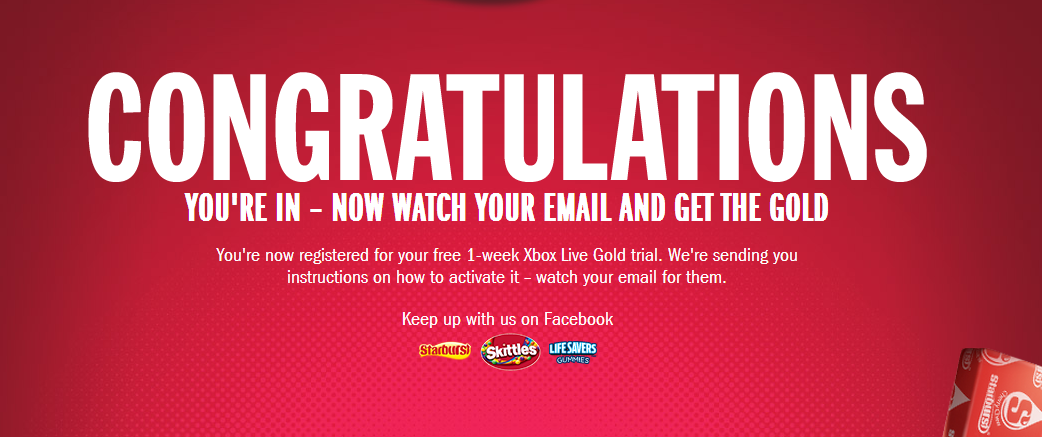
Congrats! One code is in your email! Now open a NEW Incognito window or CLEAN your cache, and do it again with another of your "fake" emails.
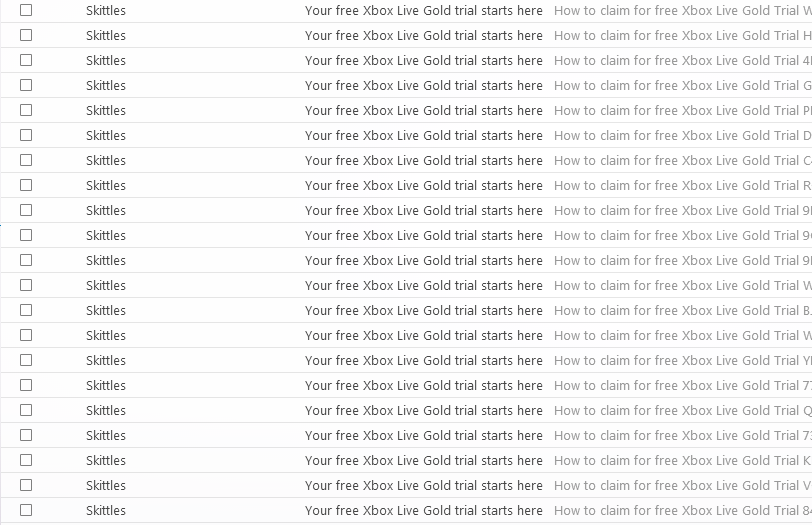
Proof of it working:
------------------------------------------------------------------------------------------------------------------------------------------------------------------------------------
IF!
You get an error message like this:

Just redo the Captcha and keep clicking submit.




