- Joined
- Apr 4, 2015
- Sythe Gold
- 15
- Messages
- 55


Peter Cottontail is excited to see the Easter 2020 minirank!
Start photoshopping and let your creativity flow!
Images must be 32px x 32px.
Images must have "20" on the bottom right-hand corner.
Images must have a transparent background.
Maximum of 3 entries per person.
___
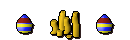
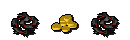
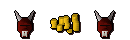
Previous Easter Miniranks for inspirational purposes:


The Community Development Team will vote for the 10 best entries.
Once that's done, the community will choose the top 3 winners!
Participating in an event earns you 1 point.
2 participation points are required for the Easter 2020 Minirank!

How to make a minirank guide - easy way for noobs
Find your image on Google, I recommend using transparent search to avoid ugly background boxes which can be a hassle if you use this simple method:
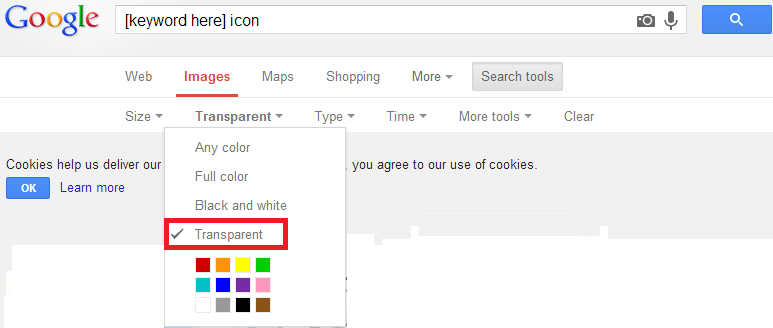
Click the image of choice, then choose "View original image"

Check the image is transparent, I usually just quickly drag the image on to the nav-bar and if a white border appears, it's not transparent
As you can see, this one isn't transparent:
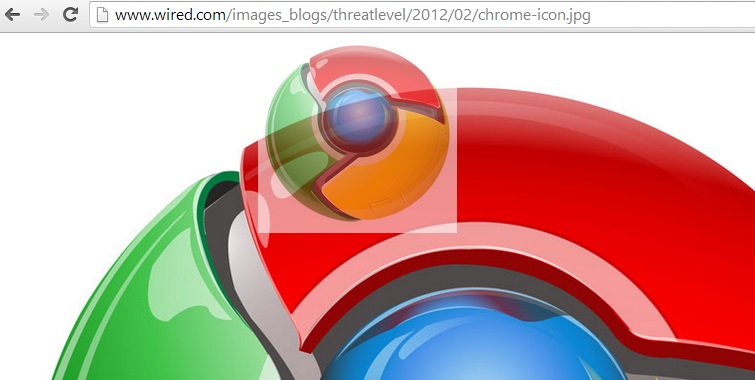
and this one is transparent:
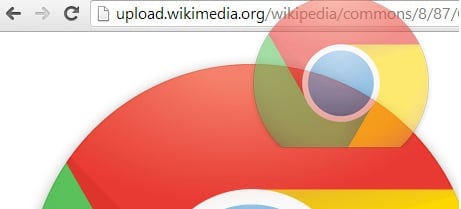
Next, go to www.online-image-editor.com and paste the direct link you got from "View original image" in to the upload box:
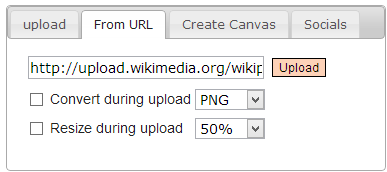
You'll find a toolbar above your image, find the "Resize" tool and resize the image so it's no bigger than 32x32.

Have "Aspect ratio" ticked to avoid stretched/blurry icons
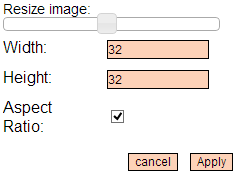
Apply this change and then right click the image and "copy image":
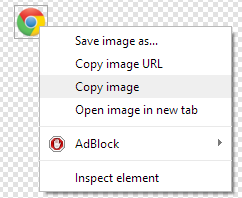
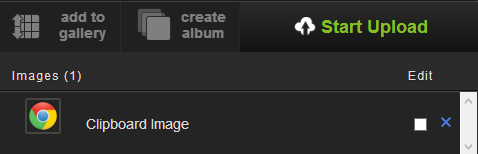
Go to www.imgur.com and hold Ctrl+V to upload the icon:
This step is important, as although you can get a direct link from the editor, they expire shortly.
Click the image of choice, then choose "View original image"
Check the image is transparent, I usually just quickly drag the image on to the nav-bar and if a white border appears, it's not transparent
As you can see, this one isn't transparent:
and this one is transparent:
Next, go to www.online-image-editor.com and paste the direct link you got from "View original image" in to the upload box:
You'll find a toolbar above your image, find the "Resize" tool and resize the image so it's no bigger than 32x32.
Have "Aspect ratio" ticked to avoid stretched/blurry icons
Apply this change and then right click the image and "copy image":
Go to www.imgur.com and hold Ctrl+V to upload the icon:
This step is important, as although you can get a direct link from the editor, they expire shortly.
Post your minirank(s) before April 20th 11:59PM ET.
Egg Painting
Egg Hunt
Easter's Memester
Last edited by a moderator: